Joining the Faction
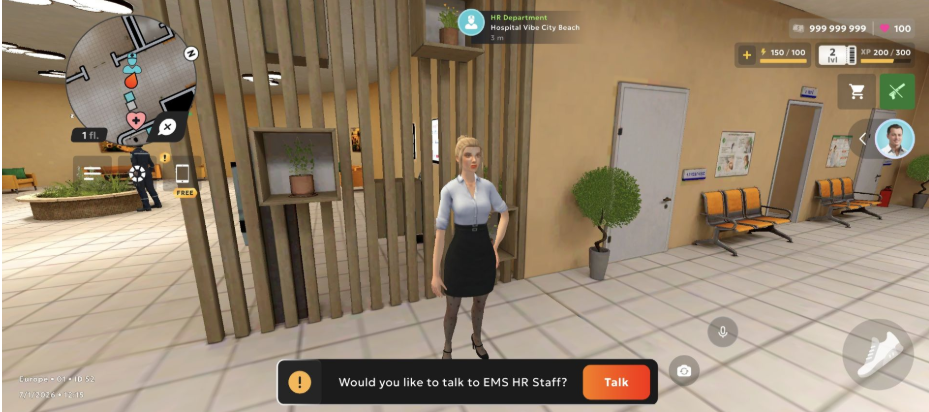
To join, approach the NPC at the hospital.
Faction UI
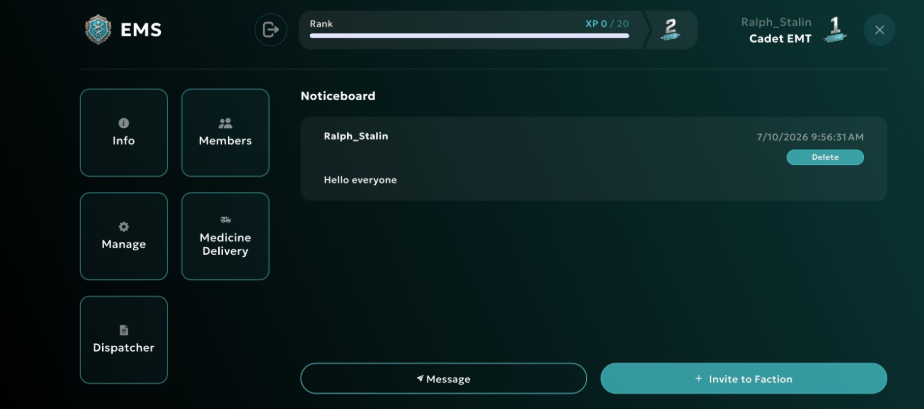
When you open it, you’ll see a window with announcements that are visible to all Faction members.
Info
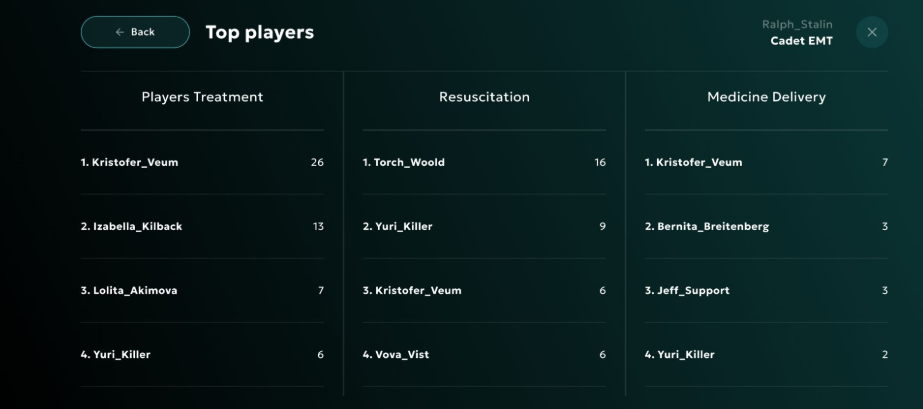
The Info tab shows the main details about your rank in the Faction and information about the Faction Leader.
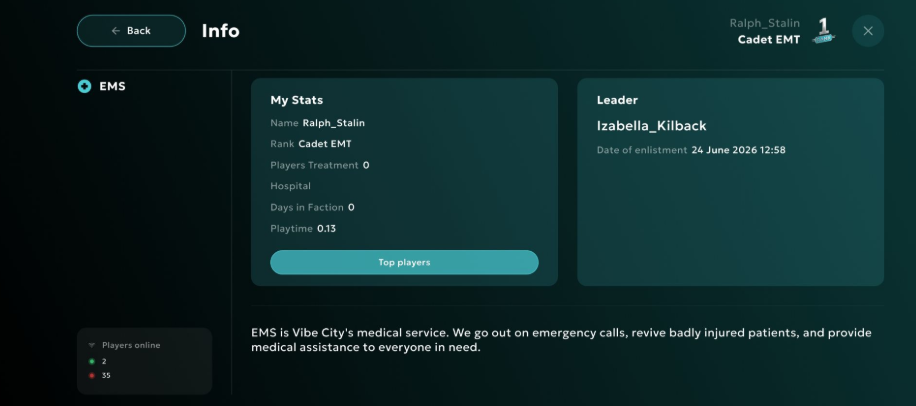
You can also view the top players in the Faction.
Members
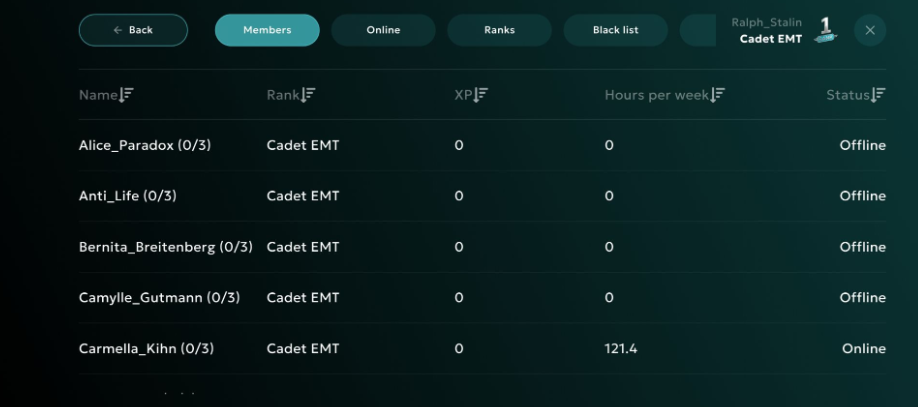
The Members tab shows all members of your Faction.
Manage
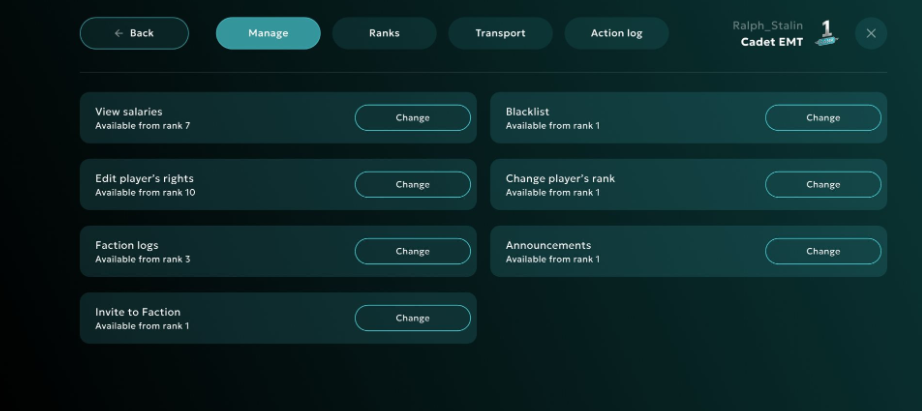
The Manage tab lets you manage the Faction members’ rights. This tab is only available to the Leader.
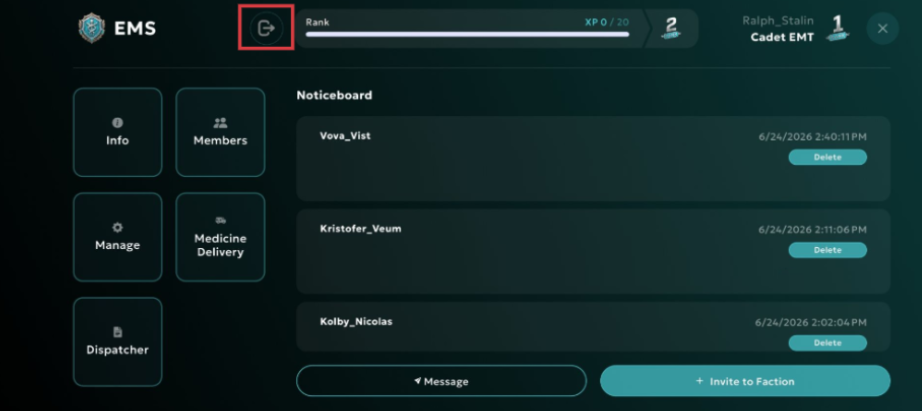
Leaving EMS
Restocking medicine at the warehouse
To restock medicine, approach the marker at the warehouse. You will automatically receive the number of items assigned to your rank.
Medicine is required for selling, providing medical assistance, and resuscitating other players.
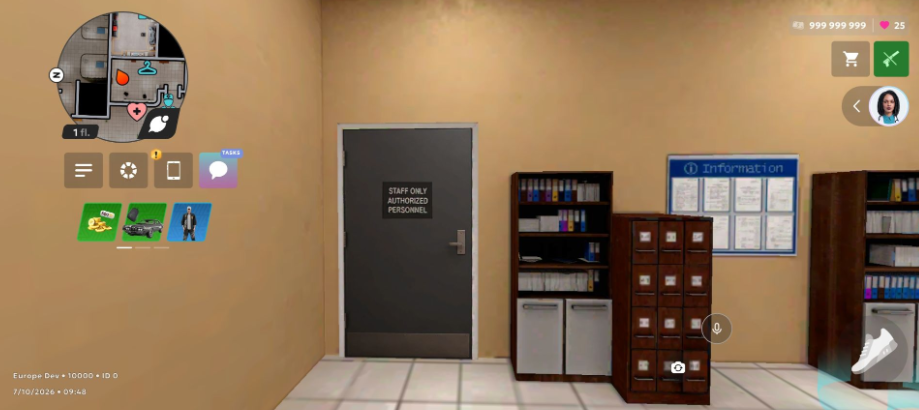
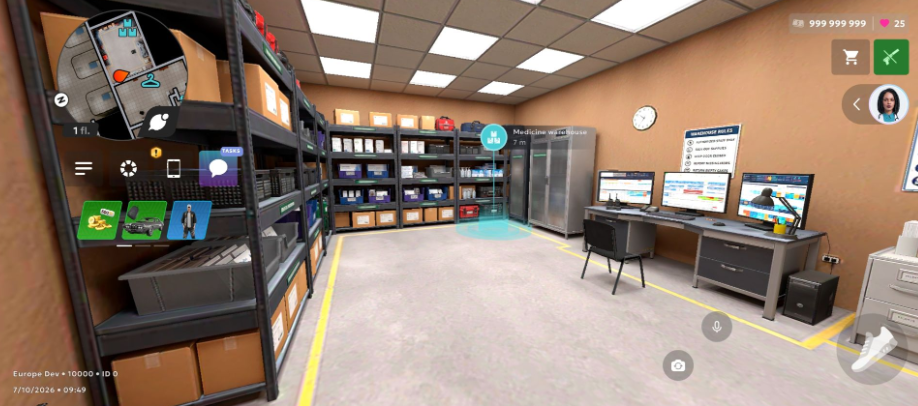
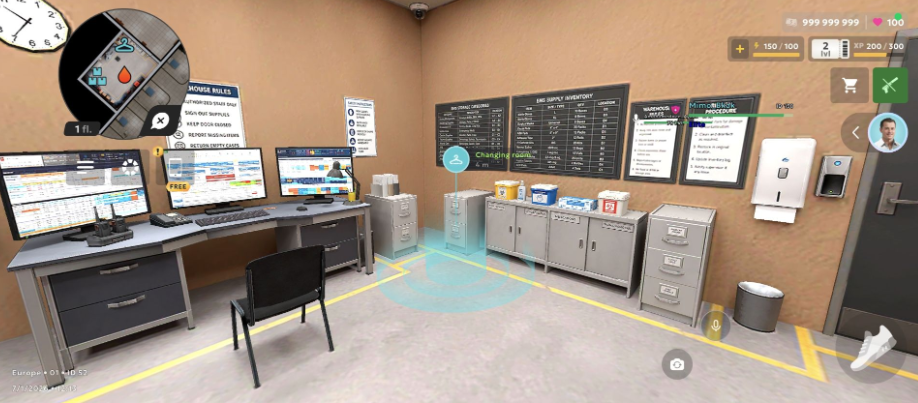
Starting Shift
To start your shift, you need to put on your work uniform.
Dispatcher
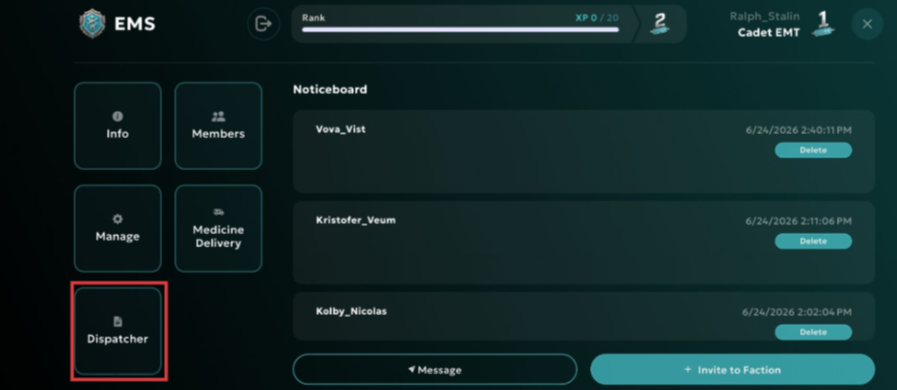
To respond to a dispatcher call, you need to start the shift. To do that, you must be inside a Faction vehicle. In the Faction menu, select Dispatcher.
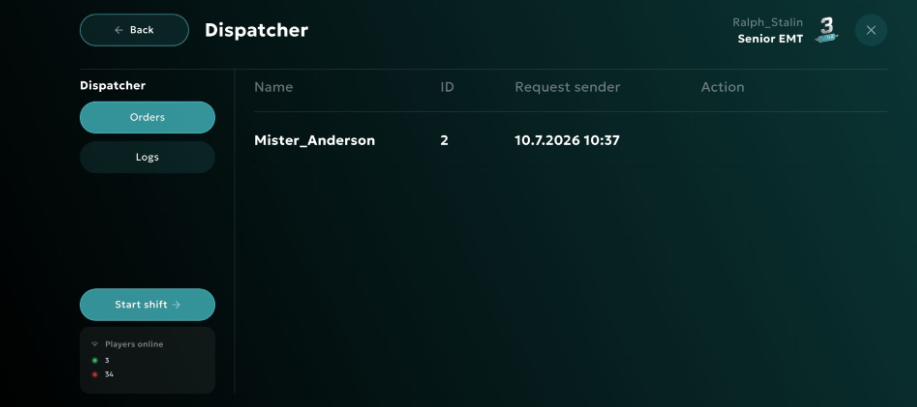
Then select Start shift.
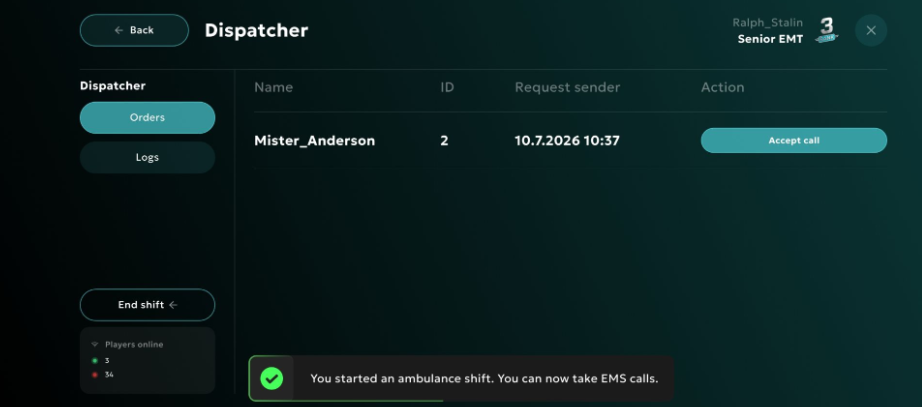
Next, accept the call and head to the marked location to resuscitate the patient.
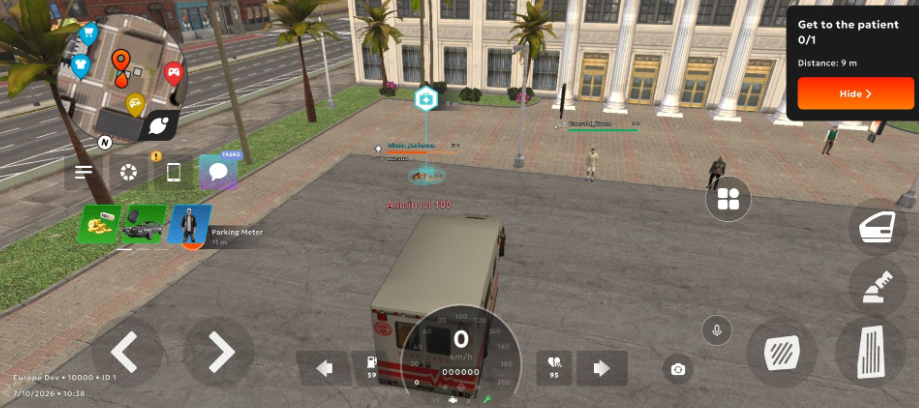
Approach the patient and start the resuscitation.
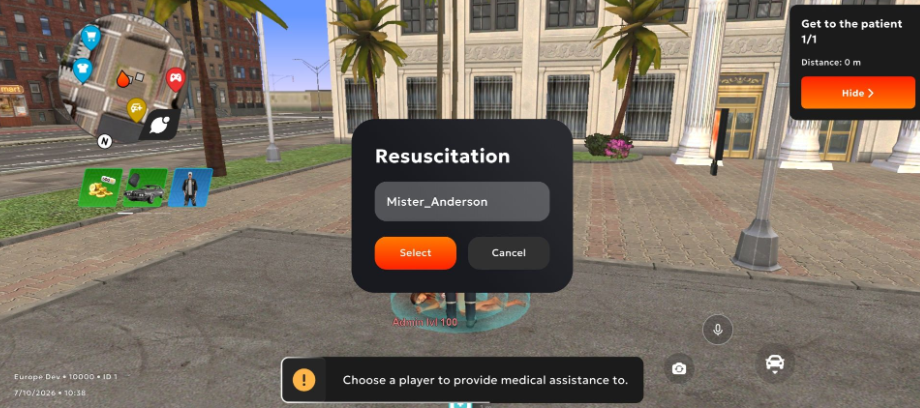
Treatment
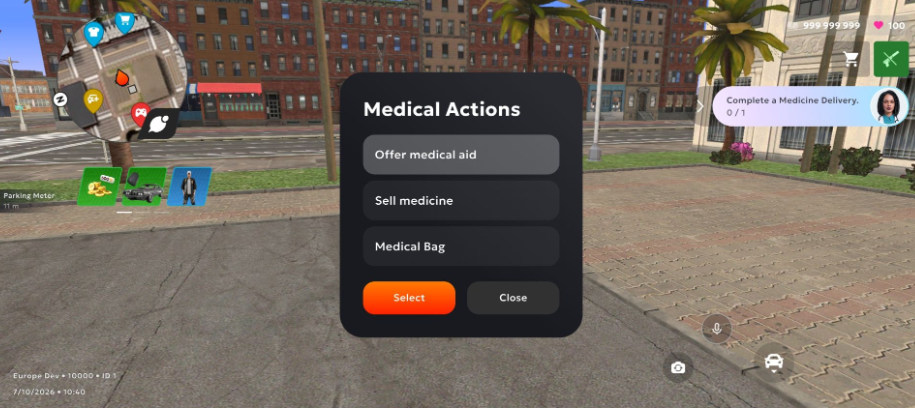
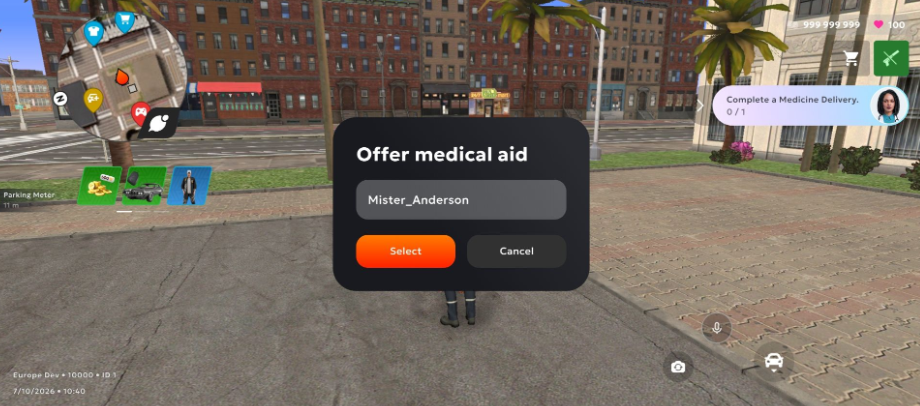
Approach the player who needs treatment, open the radial menu, and select Medical Actions, then select Offer medical aid.
Then select a player.
Selling Medicine
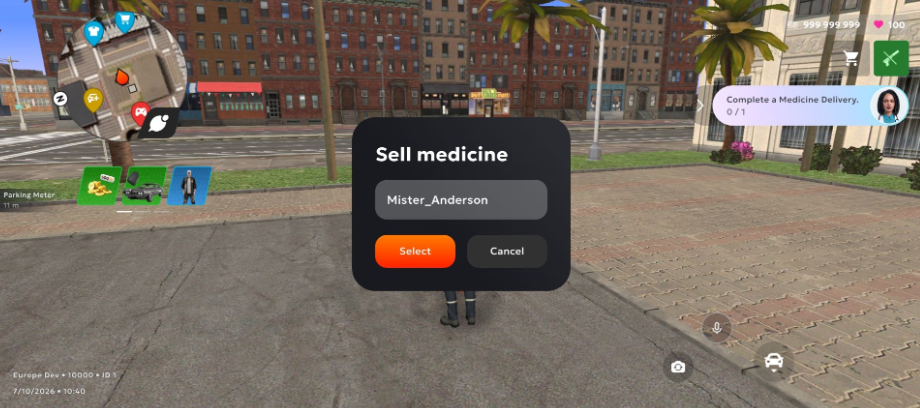
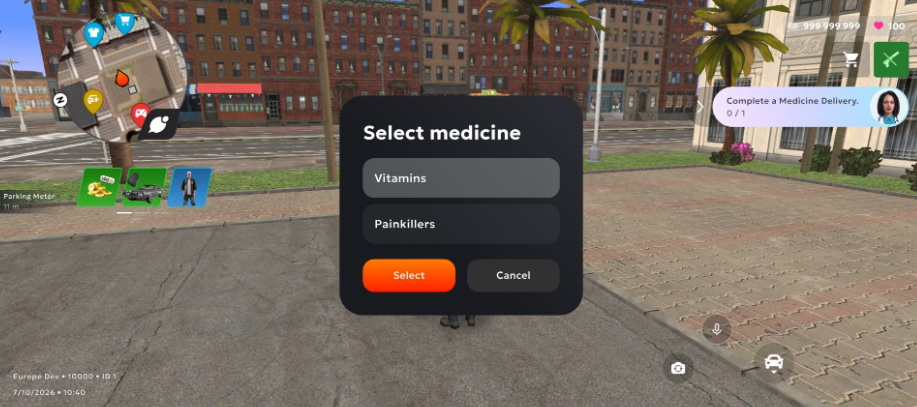
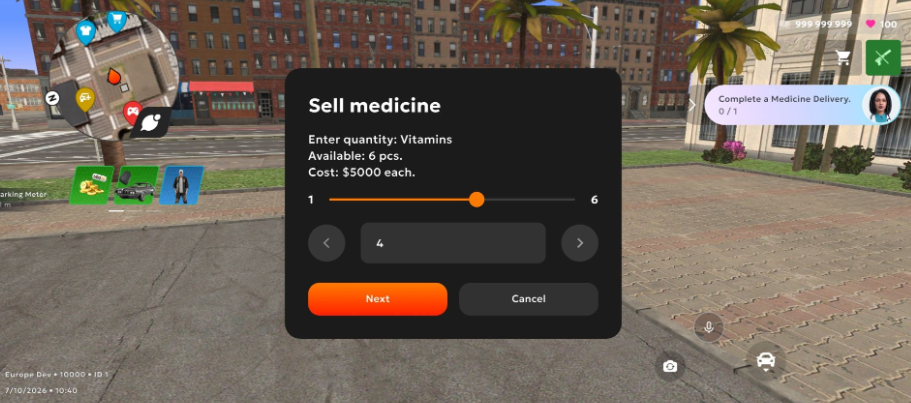
Approach the player you are selling medicine to, open the radial menu, go to Medical Actions, and select Sell medicine.
Select the medicine and the quantity.
Medicine Delivery
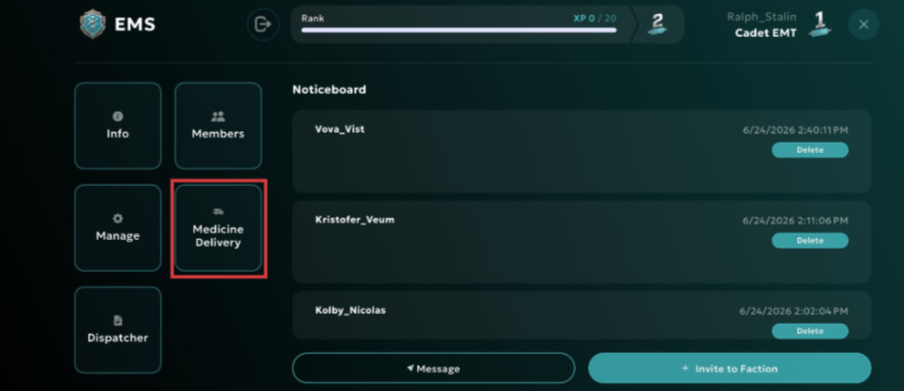
Medicine Delivery is located inside the EMS Faction interface.
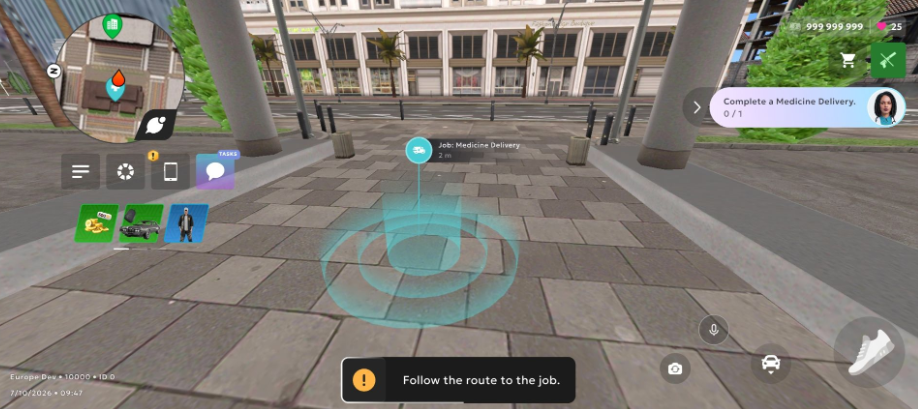
To start a delivery, enter the marker behind the hospital.
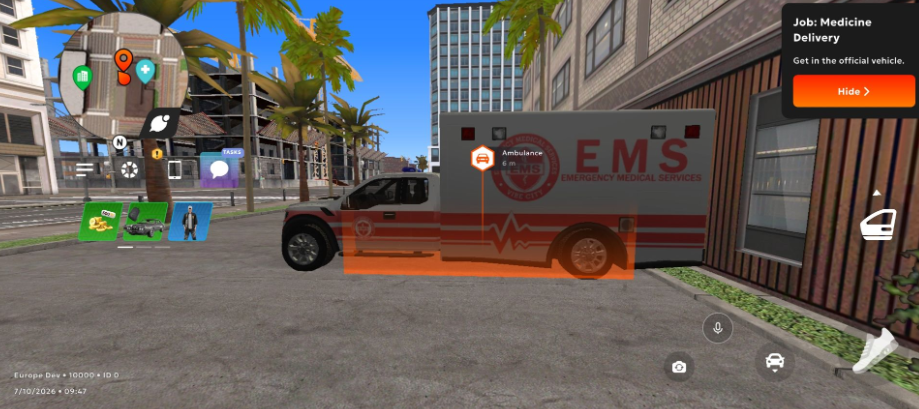
Then use the official EMS vehicle.
Reach the marked route points to complete the delivery.
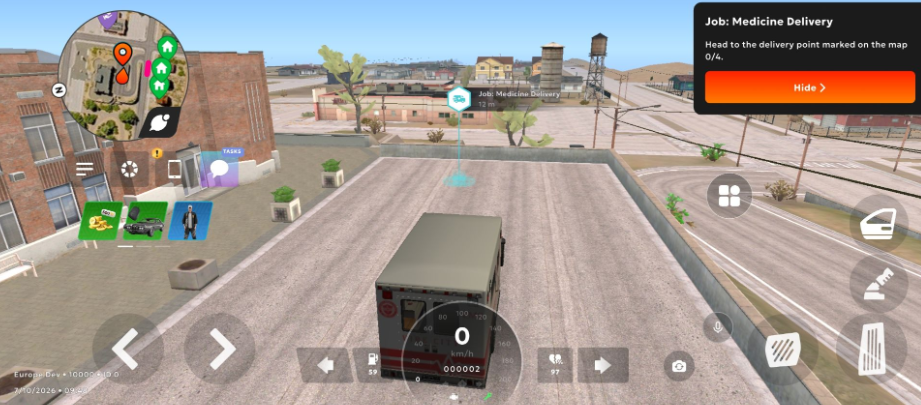
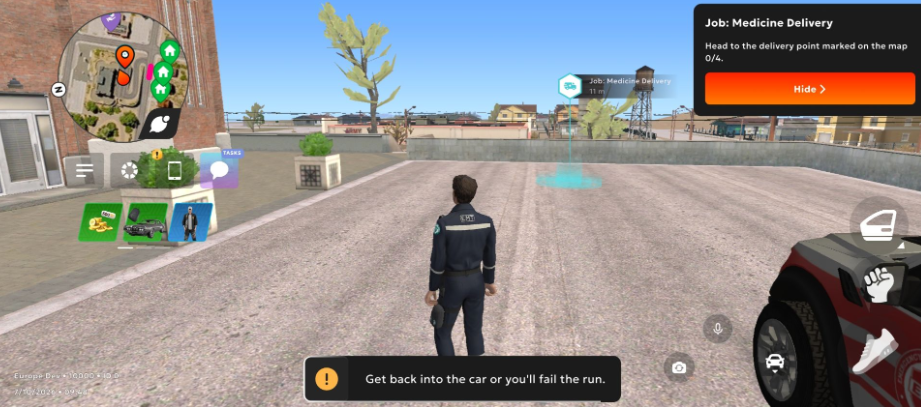
Keep in mind: if you leave the vehicle and do not return within a short time, the delivery will be canceled.