Bayside Market is the central hub for player-to-player trading. Here, you can list spare items for sale or buy the things you need from other players.
Where is it and how do you get started?
-
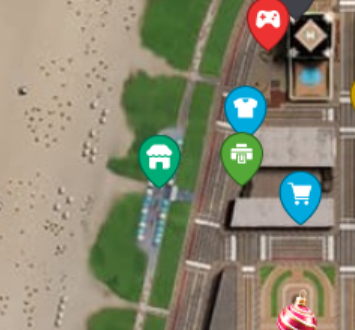
Location: The market is located at Bayside. You can find it on the world map in the Navigator under the “Public places” tab.
-
Access: The market is available starting at level 1. Just head to the waterfront!
How to sell items?
To sell items, you need to rent one of the market stalls.
-
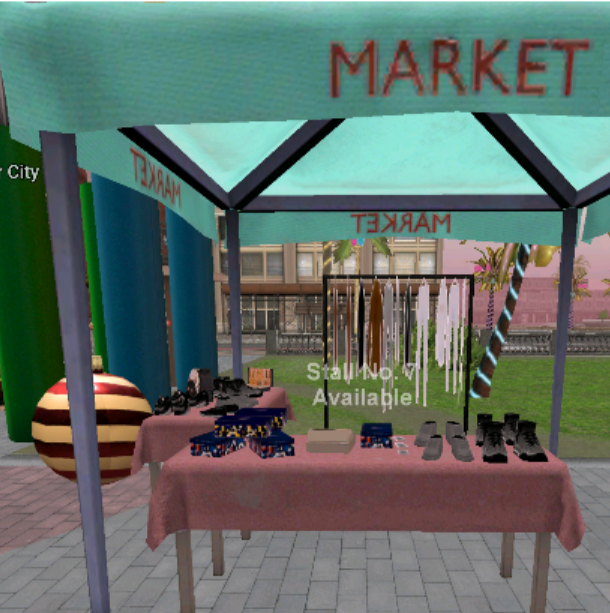
Find an available stall — it will display the message: “Stall No. … Available.”
-
Rent it. Press the “Rent the stall” interaction button.
-
Rental cost: $300 per hour.
-
Important! The rental is active only while you remain at the stall. If you move too far away or leave the game, the rental will end automatically, and any unsold items will be returned to your Inventory.
-
-
After renting, press “Stall management.”
-
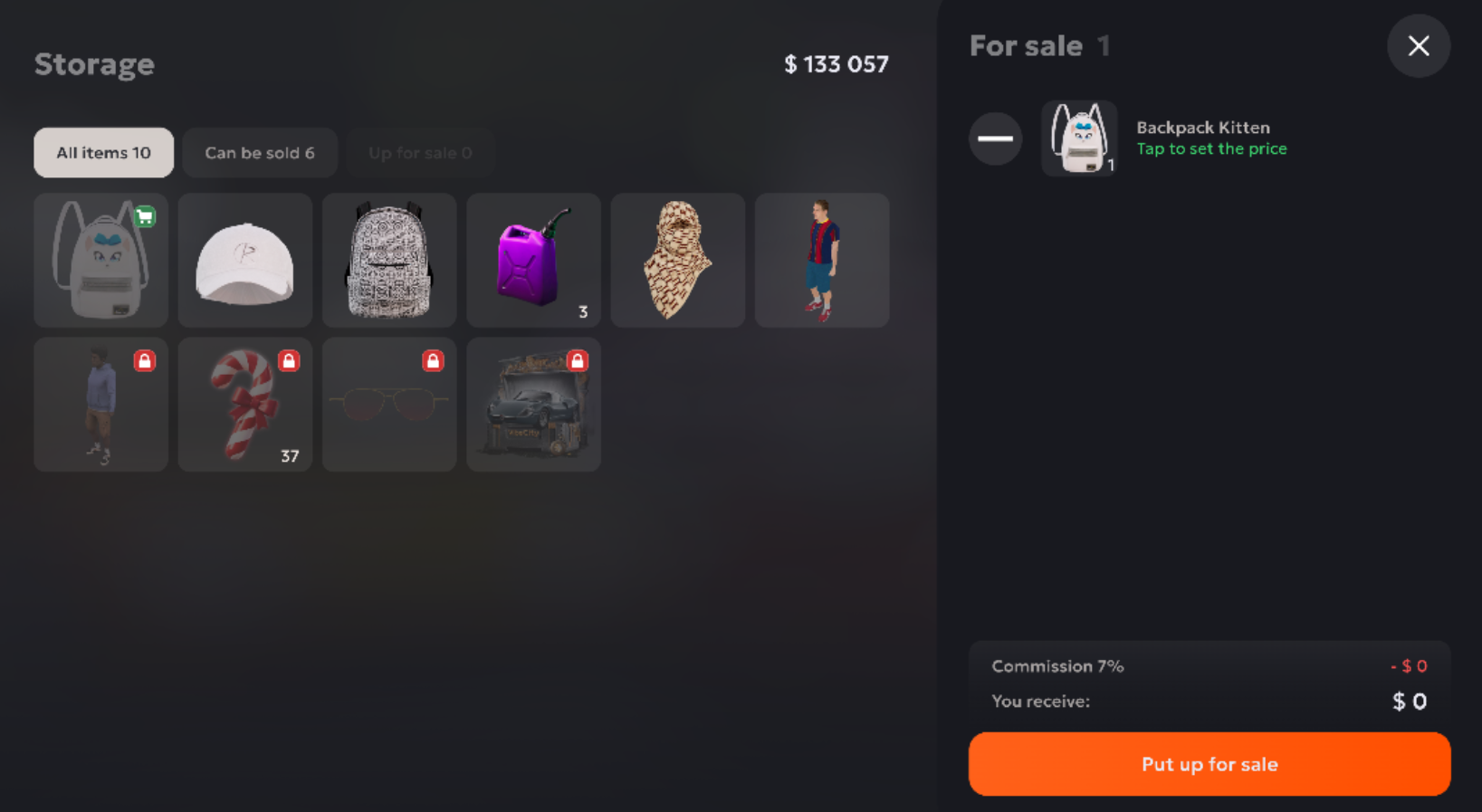
Select the items you want to sell from your Inventory and drag them into the designated area.
-
Set the quantity and price for each item.
-
Minimum price: $50
-
Maximum price: $1,000,000,000
-
Price format: numbers only
-
-
Confirm the listing. After that, the item will appear in your stall for all players.
Rules and fees:
-
Market fee: When an item is sold, the system deducts 7% of the price you set. You receive 93% to your balance.
-
What you can sell: skins, license plates, Gas Cans, Med Kits, weapon ammo, metal, Repair Kits, accessories, food and drinks, and resources (ore, wood, stone, etc.).
-
What you CAN’T sell: real estate, cars, motorcycles, businesses.
Managing listings:
-
You can change the price or remove an item from sale at any time.
-
Five minutes before your rental ends, you’ll receive a notification offering to extend the rental.
How to buy items?
To buy items from other players, simply walk up to an occupied stall.
-
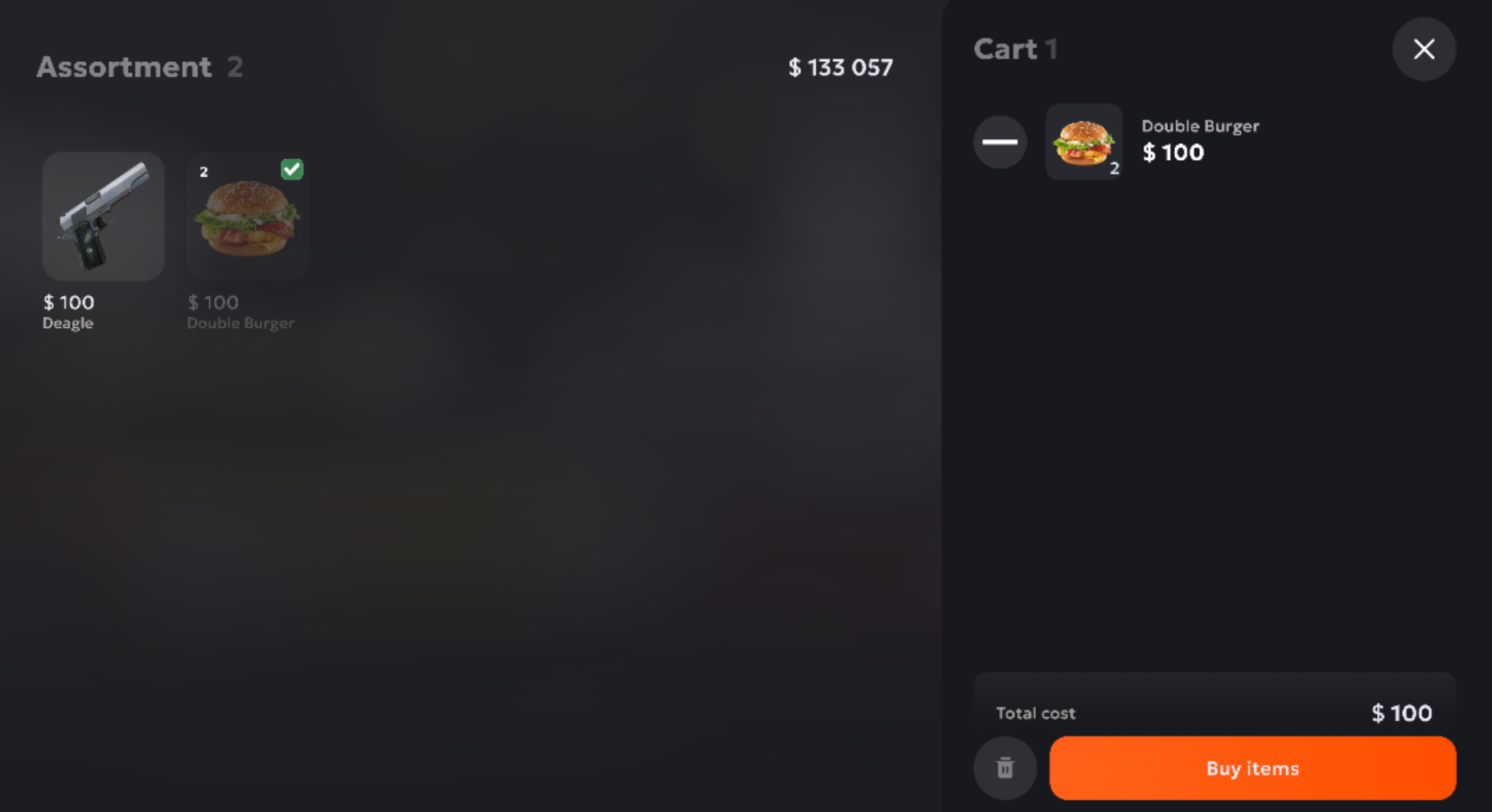
Tap “View assortment.”
-
Select the items you want and add them to your cart.
-
Press “Buy items,” review the total amount, and complete the transaction.
-
Purchased items will appear in your Inventory instantly.
Important for buyers:
-
You can’t buy items while you’re renting a stall yourself.
-
The price in your cart may change if the seller updates it. In that case, the item will be removed from your cart.
FAQ and Tips
Q: My items are gone! Where can I find them?
A: If you leave the stall before the sale ends, all unsold items are automatically returned to your Inventory. If your inventory was full, you can find the items in the “Rewards” section.
Q: Why can’t I list an item for sale?
A: Check the following:
-
Did you enter a price (numbers only)?
-
Is the price at least $50 and no more than $1,000,000,000?
-
Is the item tradable? (Not everything can be sold.)
Tip: Before listing an item, check what price other players are selling it for so you can set a competitive price!
Happy trading at Bayside Market!